Saving & sharing
How your design is saved, and how to share it with a link.
The Sign Generator has no accounts and no save button — and you don't need either, because your whole design lives in the page's web address. Every change you make is written into the address bar as you work.
Saving your work
To keep a design, keep its link:
- Bookmark the page, or
- click Share at the top right and copy the link somewhere safe — a note, a message to yourself, anywhere.
Opening that link later brings back the sign exactly as you left it: text, fonts, colors, sizes, everything.
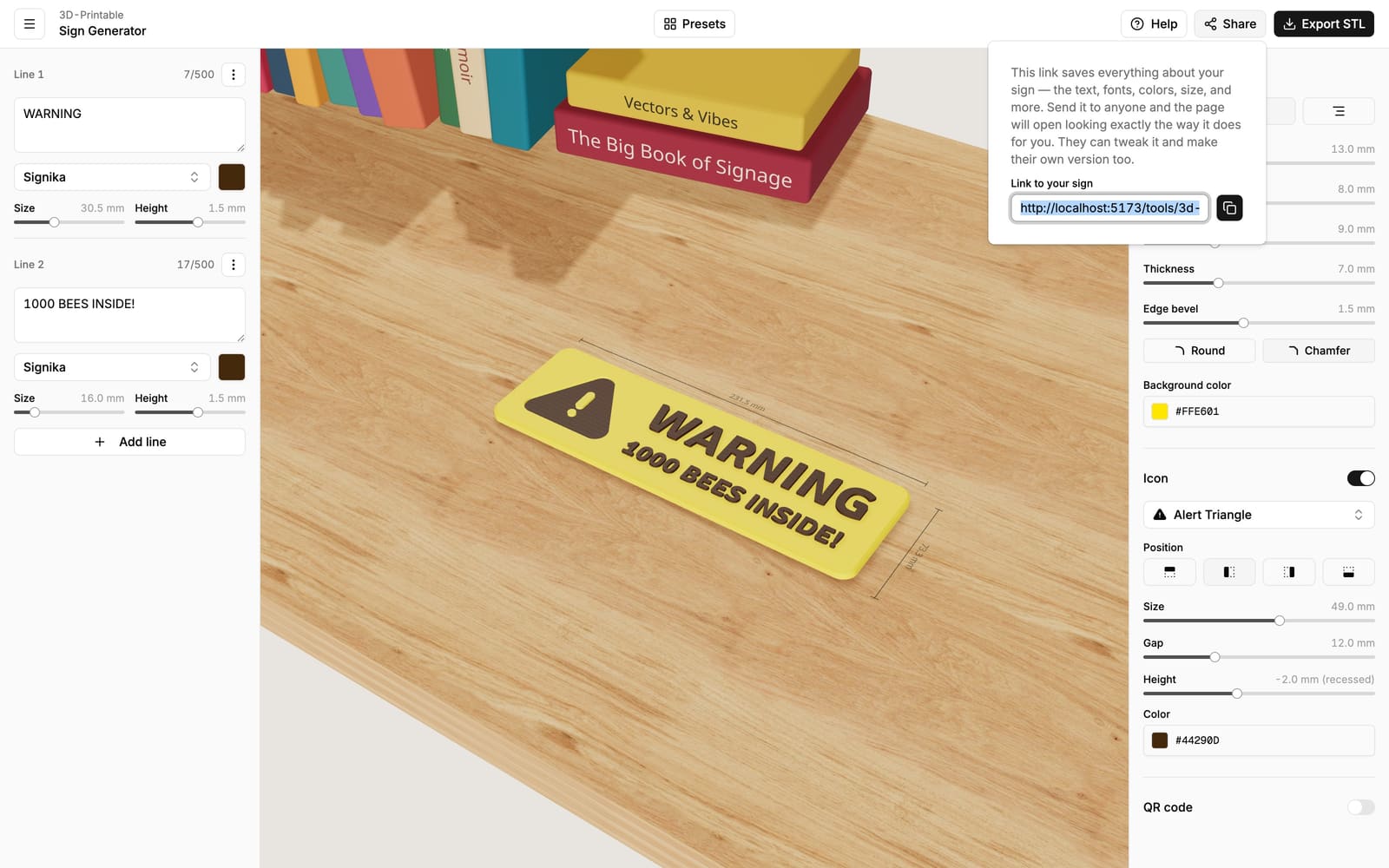
One link per design
The link is a snapshot. If you keep editing after copying it, copy a fresh link to capture the new state — the old link still opens the older version, which also makes it an easy way to keep variations around.
Sharing with others
Send the link to anyone — they don't need an account either. The sign opens for them exactly as it looks for you, and they can tweak it and print their own version. Their changes never affect your link; each person works on their own copy.
This is also handy for moving between your own devices: design on your laptop, open the link on another computer connected to your printer.
The QR code on the back of printed signs
When you export, you can add a small QR code to the back of the sign. Scanning it opens the design in the editor — so months later, anyone holding the sign can reprint it, fix a typo, or make a matching one, without hunting for the link.
For that to work, the design is stored online when you export — that's the only time your design leaves your browser. The stored copy has a random ID that appears only in the printed QR code — only people who can scan the back of your sign can open it.