Overview
Design a laser-cut box, bin or tray in your browser and export ready-to-cut SVG files.
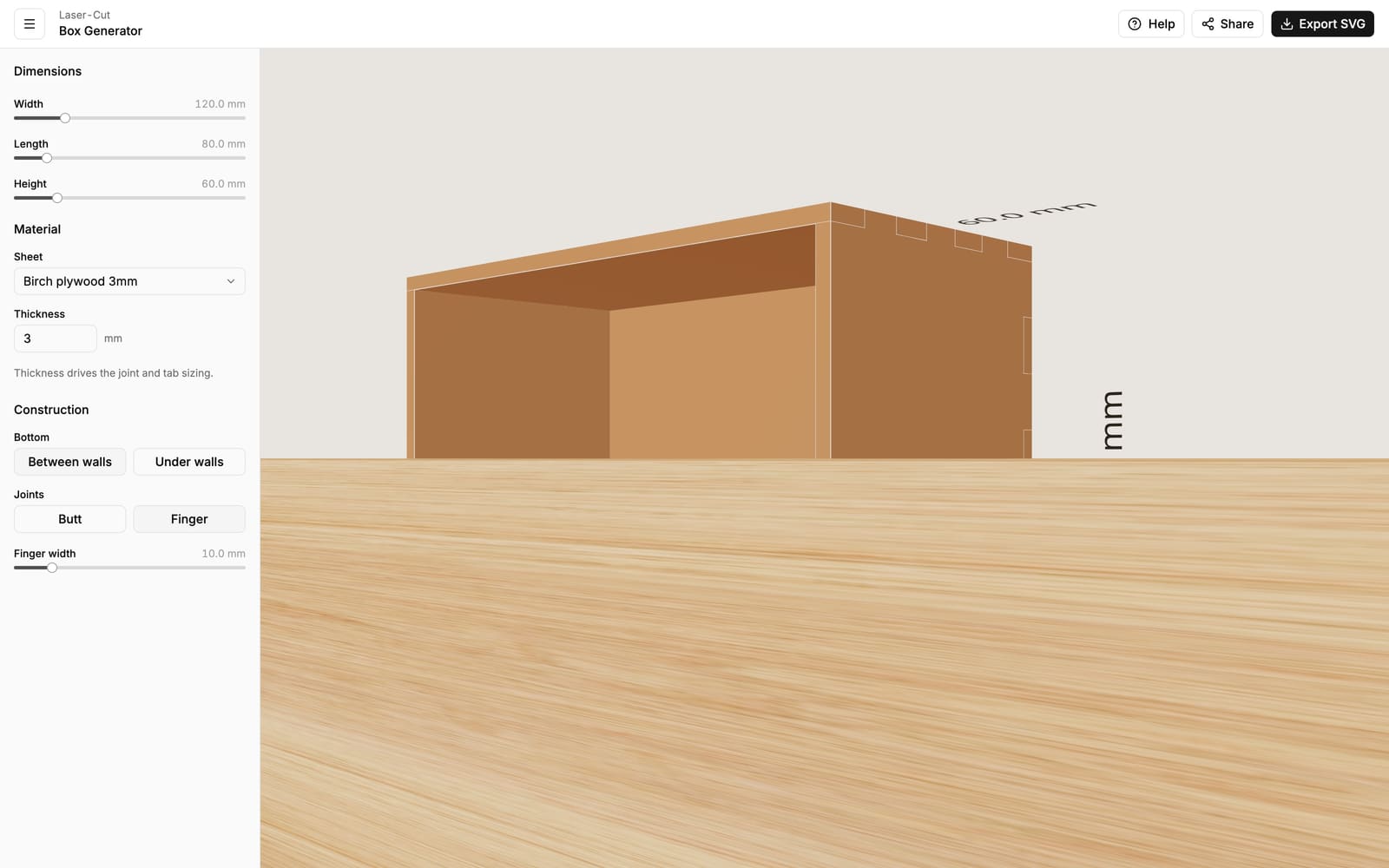
The Box Generator designs a simple open-top box — four walls and a bottom — cut from a single sheet of material on a laser cutter. Set the size, pick your material and joints, and watch the box assemble itself in a live 3D preview. When it looks right, download the cut files and send them to your laser.
It's perfect for drawer organizers, parts bins, desk trays, planters, gift boxes and storage crates. No CAD software and no joint-drawing by hand — the finger joints, tabs and slots are generated for you.
Open the Box Generator
Launch the editor and start designing.
Getting started
Design and export your first box in a few minutes.
What you can do
- Size — set the width, length and height in millimeters (or inches). The numbers you enter are the outside dimensions of the finished box.
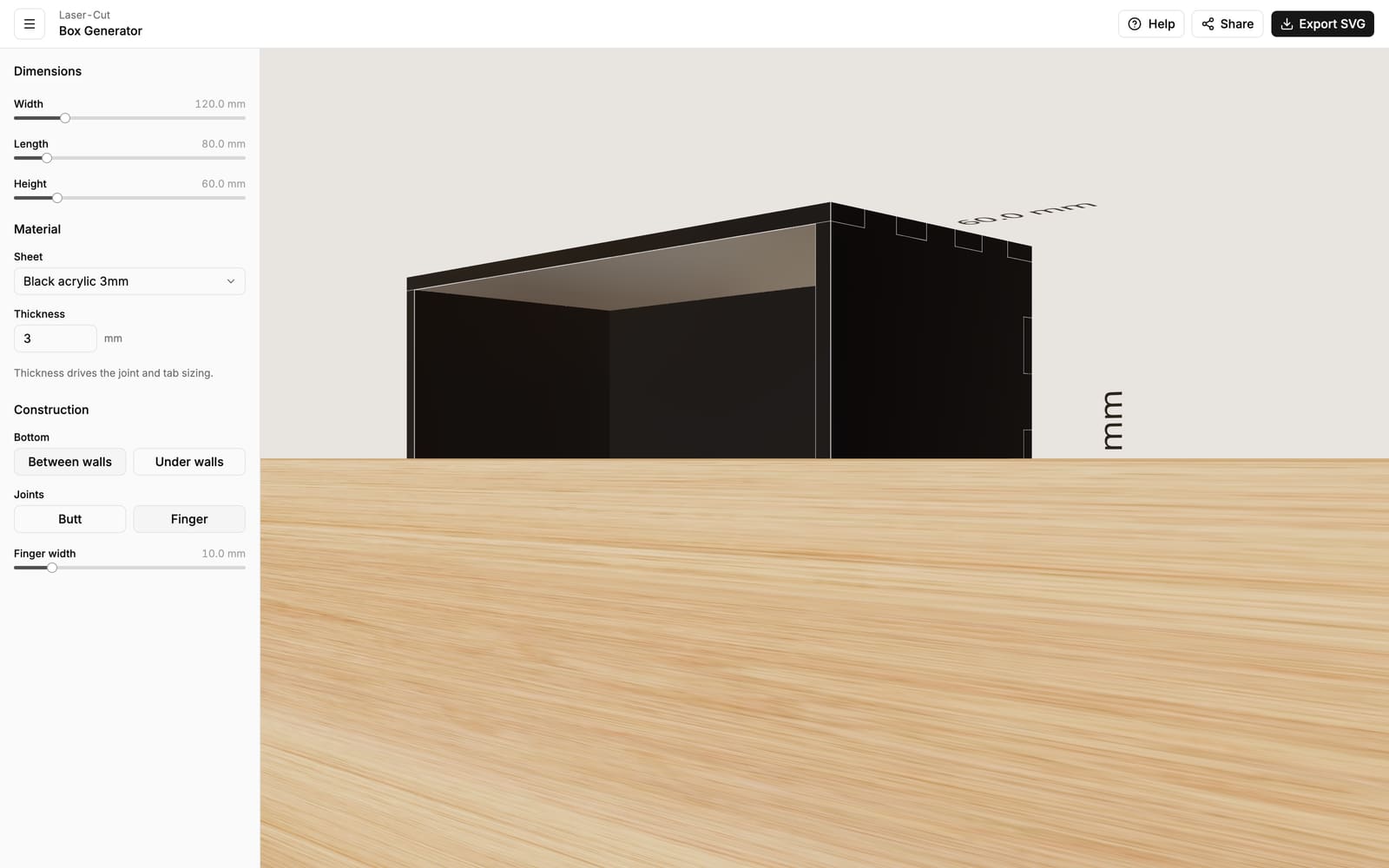
- Material — choose a common laser sheet (3 mm birch ply, 3 mm acrylic, and more) or type in your own exact thickness.
- Joints — pick plain butt edges for gluing, or interlocking finger joints that snap together and self-align.
- Bottom — sit the base between the walls for clean outer edges, or under the walls so they stand on top of it.
- Live 3D preview — every edge is outlined so you can see exactly how the panels overlap and how the joints interlock.
From design to cut
When your box looks right, export it as a ZIP of SVG files — the standard format that every laser-cutter program reads. You get one combined sheet with all the panels laid out, plus an individual file per panel. Every line is drawn at true size in millimeters, so what you design is exactly what comes off the cutter.
Browse the guides
- Getting started — your first box, step by step.
- Size & units — width, length, height and switching between mm and inches.
- Material & thickness — picking a sheet and why the exact thickness matters.
- Joints — butt vs. finger joints and the finger width.
- Bottom placement — between the walls or under them.
- Exporting & cutting — downloading the SVG files and sending them to your laser.
- FAQ — quick answers to common questions.