Joints
Choose between plain butt edges and interlocking finger joints, and set the finger width.
Under Construction → Joints you choose how the four walls meet at the corners. The choice changes the look, the strength and how the box is assembled.
Butt joints
A butt joint is the simplest: each panel is a plain rectangle, and the edges simply meet at the corner. There are no tabs or slots.
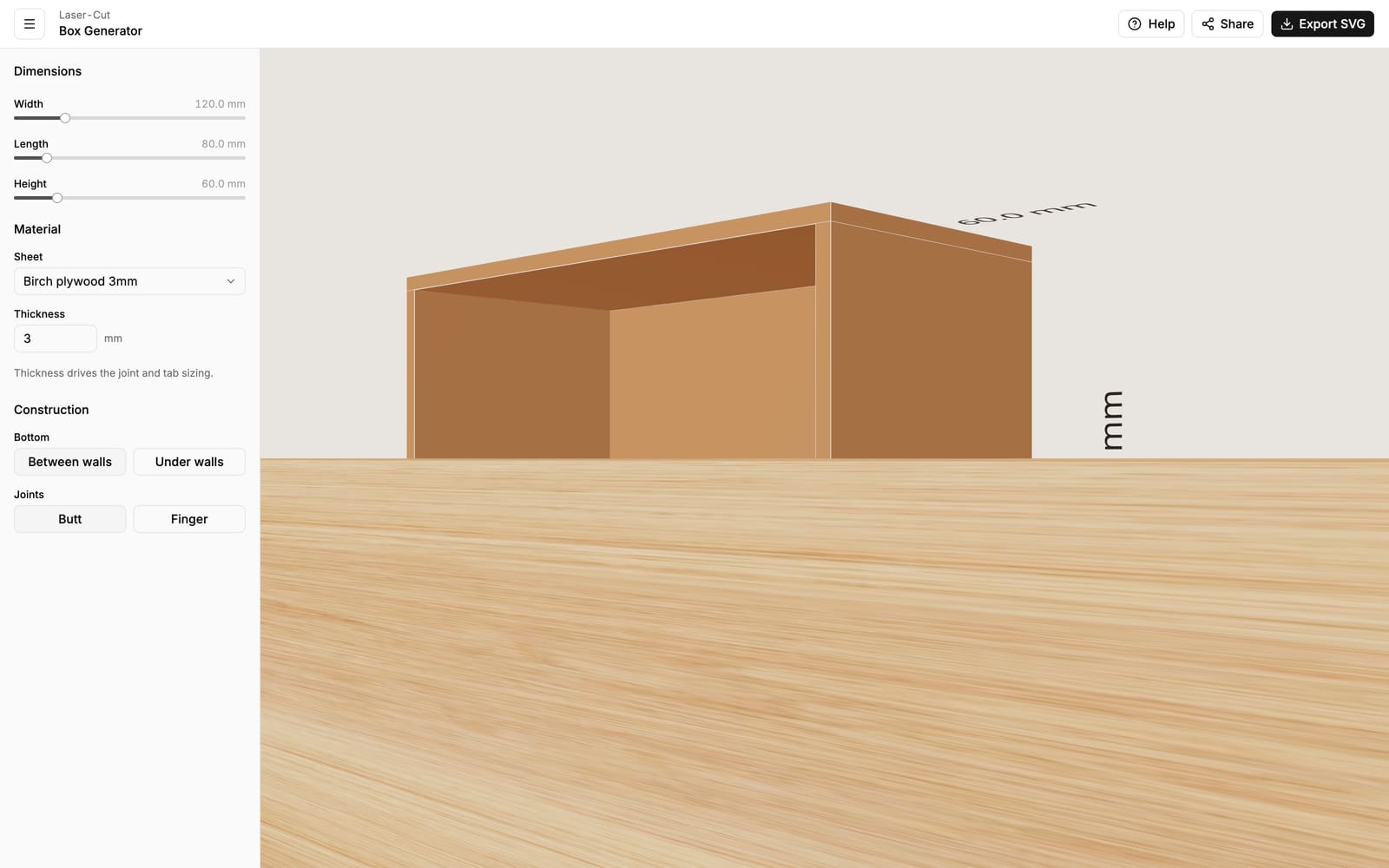
- Assembly — you hold the panels square and glue or tape the edges.
- Best for — quick boxes, very thin or brittle materials, or when you'll paint or wrap the box afterwards.
- Keep in mind — butt joints rely entirely on your glue. The front and back walls span the full width and the side walls fit between them, so the corners are hidden from the front.
Finger joints
A finger joint (also called a box joint) cuts a row of interlocking tabs and slots along each corner. The walls slot together like fingers.
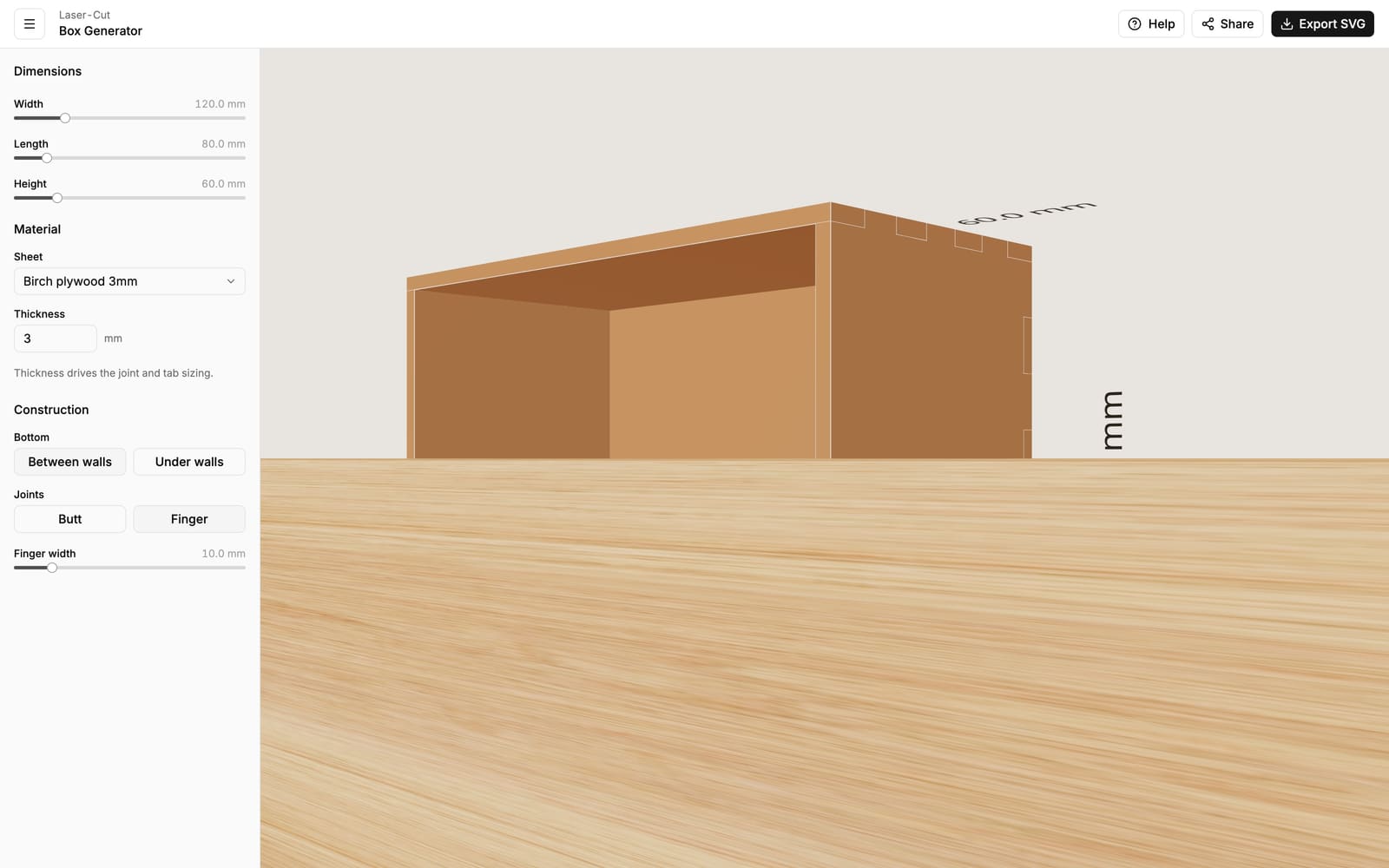
- Assembly — the panels self-align and hold their shape before any glue, which makes squaring the box much easier.
- Best for — strong, good-looking boxes. The interlocking fingers add a lot of glue surface and resist racking.
- Keep in mind — the fit depends on an accurate material thickness. With finger joints, the bottom also locks into the walls when it sits between them.
Finger width
When Finger is selected, a Finger width slider appears. This is the target width of each tab, 3–50 mm.
The generator fits a whole number of evenly sized fingers along each edge and keeps a finger in each corner, so the actual width lands close to your target rather than exactly on it. As a rule of thumb:
- Narrower fingers (more of them) look finer and add glue area, but each one is more delicate.
- Wider fingers (fewer of them) are bolder and sturdier.
A finger width somewhere around two to four times your material thickness is a safe, good-looking default.